









































































































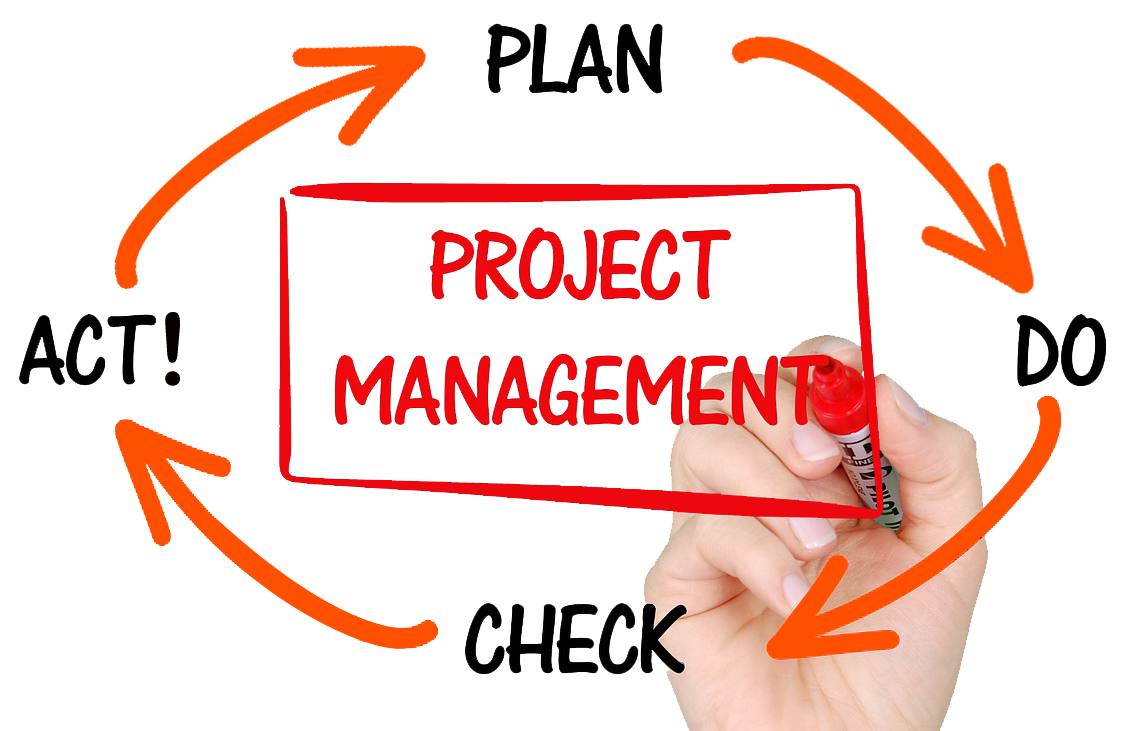
Project management takes many forms, but regardless of a project’s size or purpose, every successful initiative follows three essential stages: planning, execution, and review. These stages ensure work is clearly defined, delivered as intended, and evaluated for continuous improvement. Managing this effectively—especially across teams and clients—requires the right tools. That’s why Act! Advantage includes Projects, a robust project management feature built to bring clarity, structure, and collaboration to your workflow.
Integrated directly into Act! Advantage under Additional Features, Projects provides a streamlined, intuitive workspace for planning and managing initiatives of any scale. Whether you’re coordinating internal tasks or working closely with clients, Projects enhances visibility, accountability, and efficiency.
 A Guided Start: The Project Setup Wizard
Launching a new project can feel complex, especially when multiple phases, tasks, and stakeholders are involved. The Projects Wizard simplifies this process by guiding you step‑by‑step through:
- Defining the goal
- Listing project phases
- Creating tasks within each phase
- Selecting participants and assigning them tasks
- Completing your plan with a visual Gantt chart
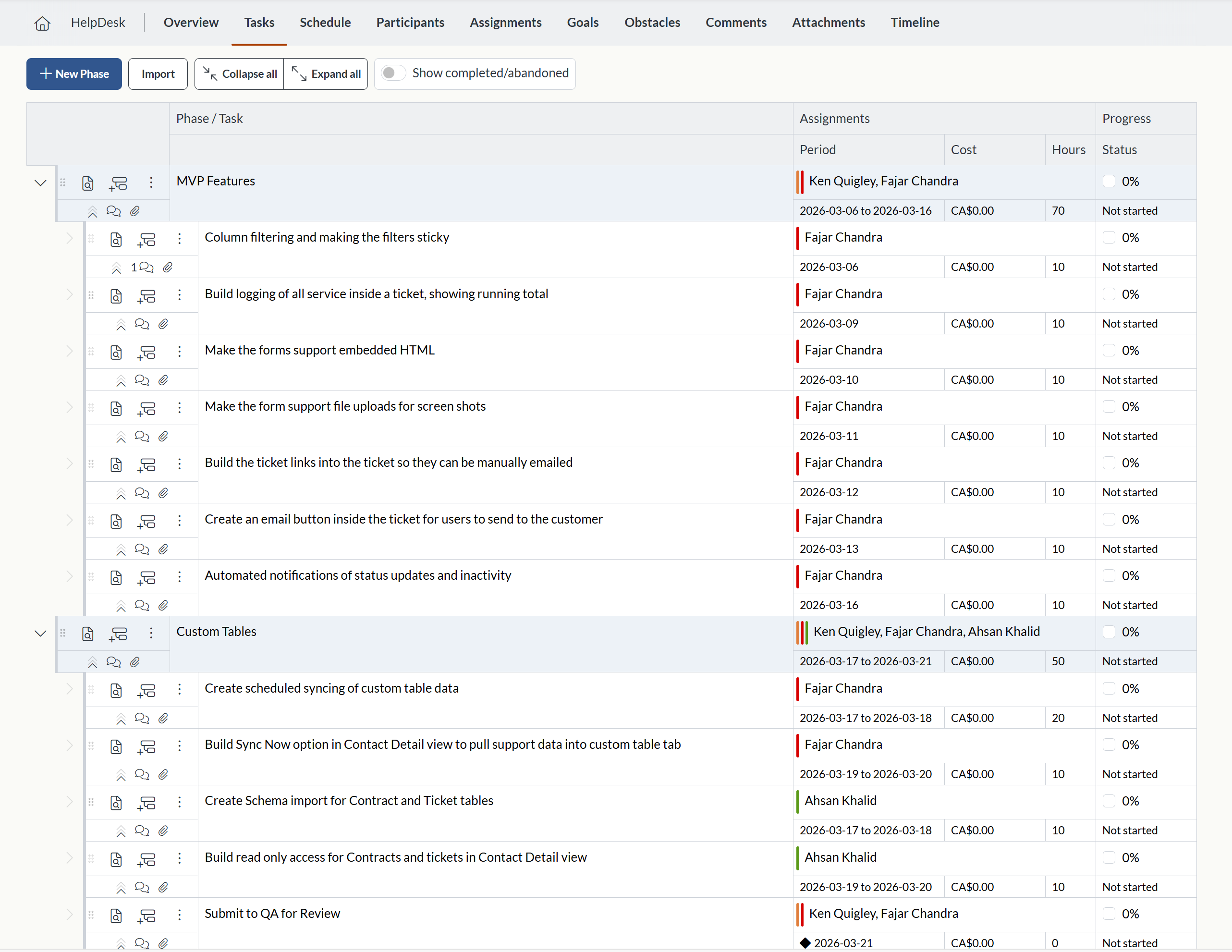
This structured setup ensures nothing is overlooked. As tasks and assignments are added, your project automatically forms a clear, organized layout. To be clear, many details will be added to the project during the planning stage, like task duration, timing, dependencies, obstacles, and other details, but this initial process of defining the goal, phases, and steps will make up the basic structure of the project.
Visual Clarity with Gantt Charts
One of the standout capabilities of Projects in Act! is its integrated Gantt chart, which transforms planning into a visual, interactive experience. With the visual Scheduler, you can:
-
Schedule tasks and phases using simple drag‑and‑drop tools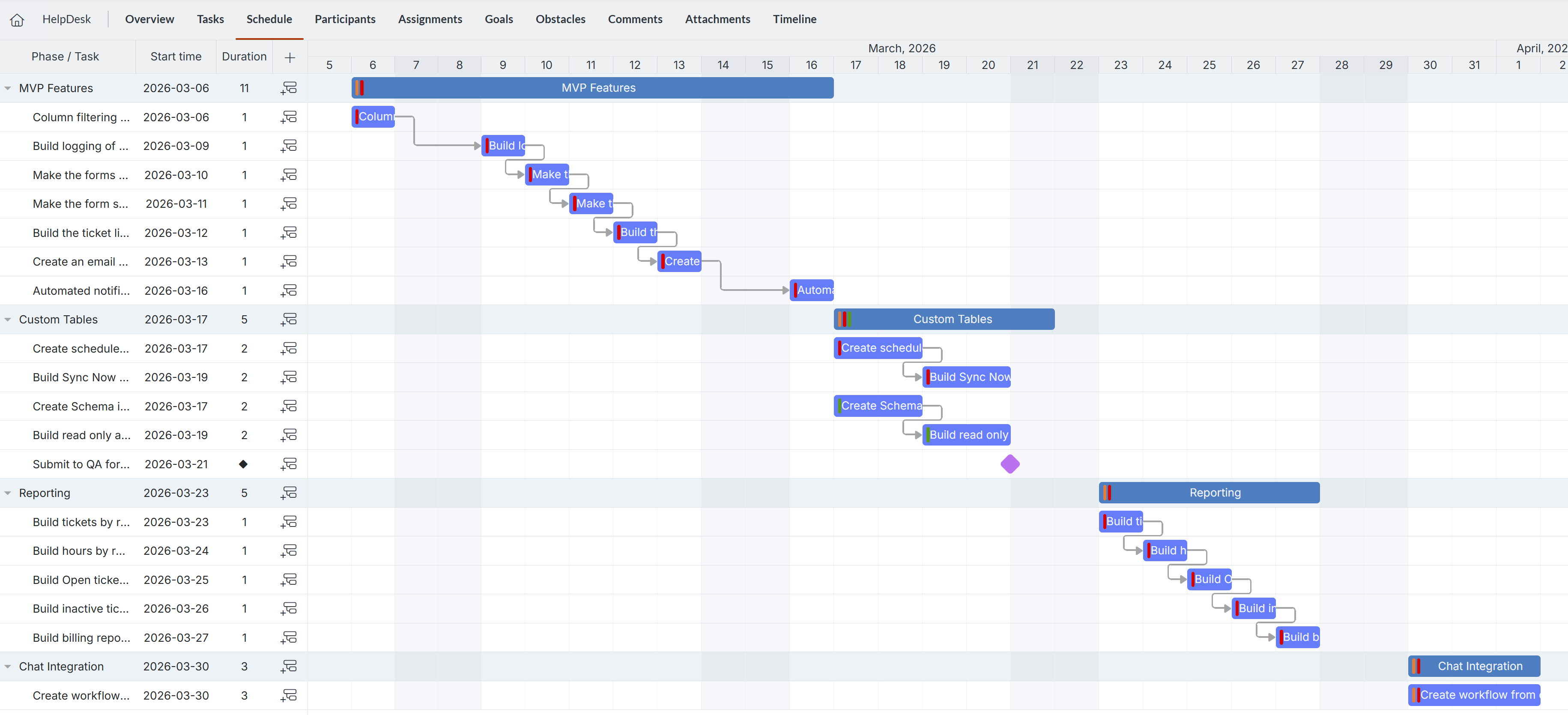
- Adjust timelines dynamically based on task duration and assignee availability
- Establish dependencies (e.g., Task B starts only when Task A is done)
- See the entire project from initiation through completion
This visual approach enables managers to identify bottlenecks early, optimize timeframes, and maintain full oversight of delivery.
Built-In Accountability & Real-Time Visibility
Collaboration is most effective when all participants—internal teams and external clients—can access real‑time updates and contribute meaningfully to the project's completion. Projects in Act! make this possible through a secure share-link system that allows you to bring clients directly into the process.
By adding contacts as project participants, you empower them to: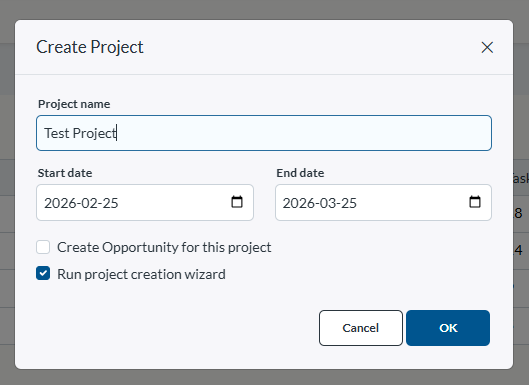
- View every step, task, and milestone
- Track updates in real time
- Complete tasks assigned to them
- Add comments and collaborate alongside your team
- Access all project attachments
This elevates client engagement, strengthens accountability, and fosters true partnership by making them active contributors to the project’s success.
Additional Planning Features
Projects includes an easy-to-use Project Wizard to help novice users get started quickly, as well as a suite of modern management tools to keep everything aligned and accessible:

- Goals: Define what success looks like
- Obstacles: Anticipate challenges before they become issues
- Assignments: Allows you to batch assign tasks to participants and color-code them for easier scheduling
- Comments: Keep discussions clear and centralized
- Attachments: Store files and documents directly within the project
- Activity Timeline: Track every update and action at a glance
Because all information is housed in a single project record, your entire team stays informed and coordinated.
Included at No Extra Cost
Projects is available at no additional charge for Professional and Ultimate Act! Advantage subscribers—providing a complete project management solution without the need for separate software or external tools.
Join Our Public Webinar – March 19 at 2:00 PM
 To help users make the most of this powerful feature, we’re hosting a free live webinar on March 19 at 2:00 PM.
We’ll cover:
- The full end‑to‑end Projects workflow
- Visual Gantt scheduling
- Setting task dependencies
- Share‑link collaboration
- Practical best practices and real‑world examples
If you’re ready to modernize your project planning, strengthen client relationships, and streamline operations, this session is not to be missed. Please register HERE.
Learn More:












