Home > Installation > Running Installation
Running Installation
Close Act! before installing Keystroke Dash.
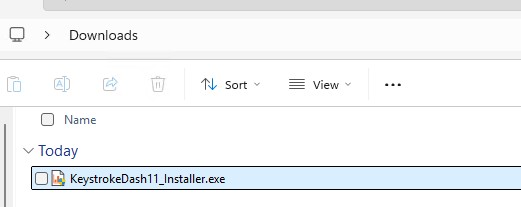
- Double click on the KeystrokeDash11_Installer.exe file in your Downloads
folder. You can download it from
https://www.act4work.com/files/Dash/Dash_v11/
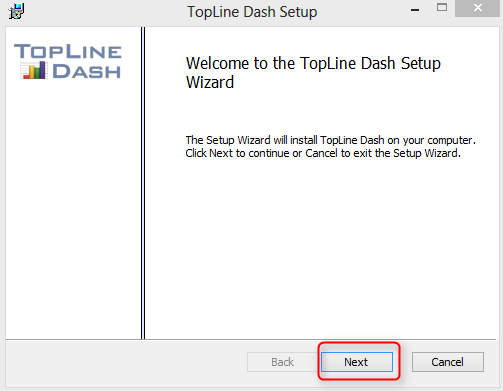
- On the Keystroke Dash Setup Wizard screen, click Next.
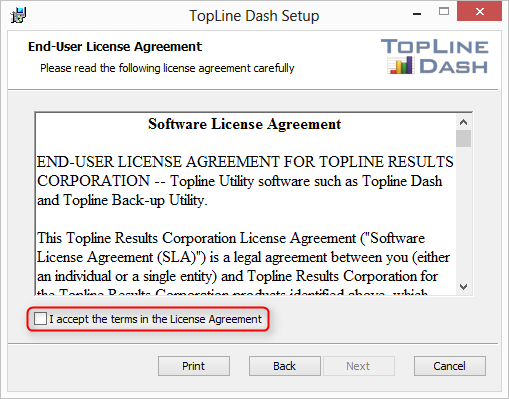
- Agree to the License Agreement and click Next.
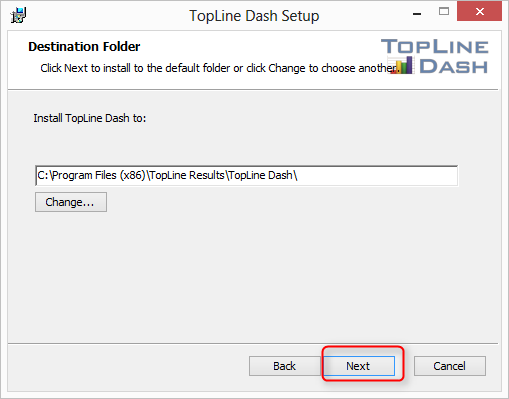
- Accept the default installation folder, or change it (we recommend keeping
the default folder). Click Next.
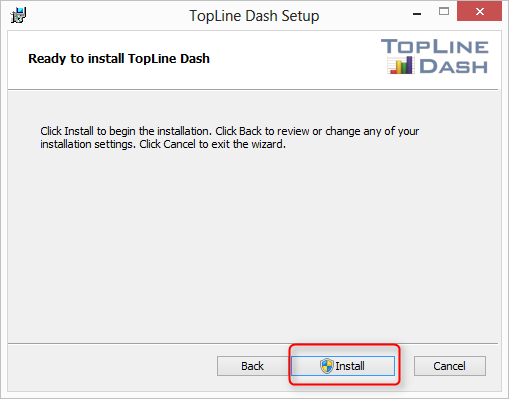
- Confirm the installation and click Install.
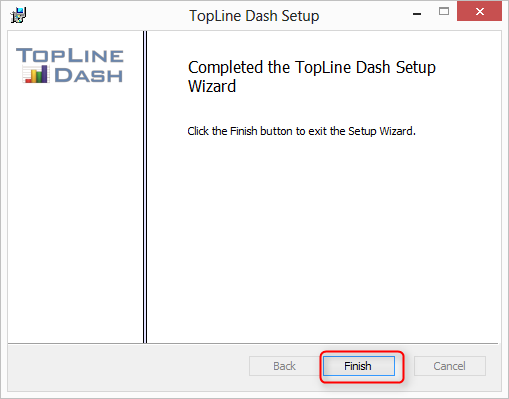
- Wait for the progress bar to complete and click Finish to
complete the installation.
Keystroke Dash is a plugin to Act! and will only be visible inside the Act! program user interface.
See also
|